Cinemagraph guide
Which photos make the
best cinemagraphs?
A cinemagraph is only as good as the photo you start from. Here are real examples — the kinds of images that animate beautifully, the ones that come out frozen, and the in-between cases — so you know what to look for before you generate.
What makes a photo animate well
One clear subject
A single focal point — not a dozen things competing for attention.
Something that can move
Water, leaves, flames, clouds, fabric, light — one element that flows naturally.
Sharp focus & clarity
The moving element is crisp and well-exposed, not soft or blurry.
Close, not distant
The element fills a real part of the frame rather than sitting far away.
Photos that work beautifully
Clear subject, one thing moving.
Each of these starts from a single still photo. Notice the pattern: one obvious subject, sharp focus, and a natural element — wind, light — that wants to move. Hover or scroll to watch the loops.

A field of tulipsairGentle wind
One unified subject filling the frame, with a single obvious motion — the whole field leans together in the same direction. Sharp focus up close gives the engine a crisp anchor.

A potted plantairLeaves swaying
A single, well-lit plant against a clean background. The leaves are large, in focus, and unmistakably the thing that should move — isolated subject, isolated motion.
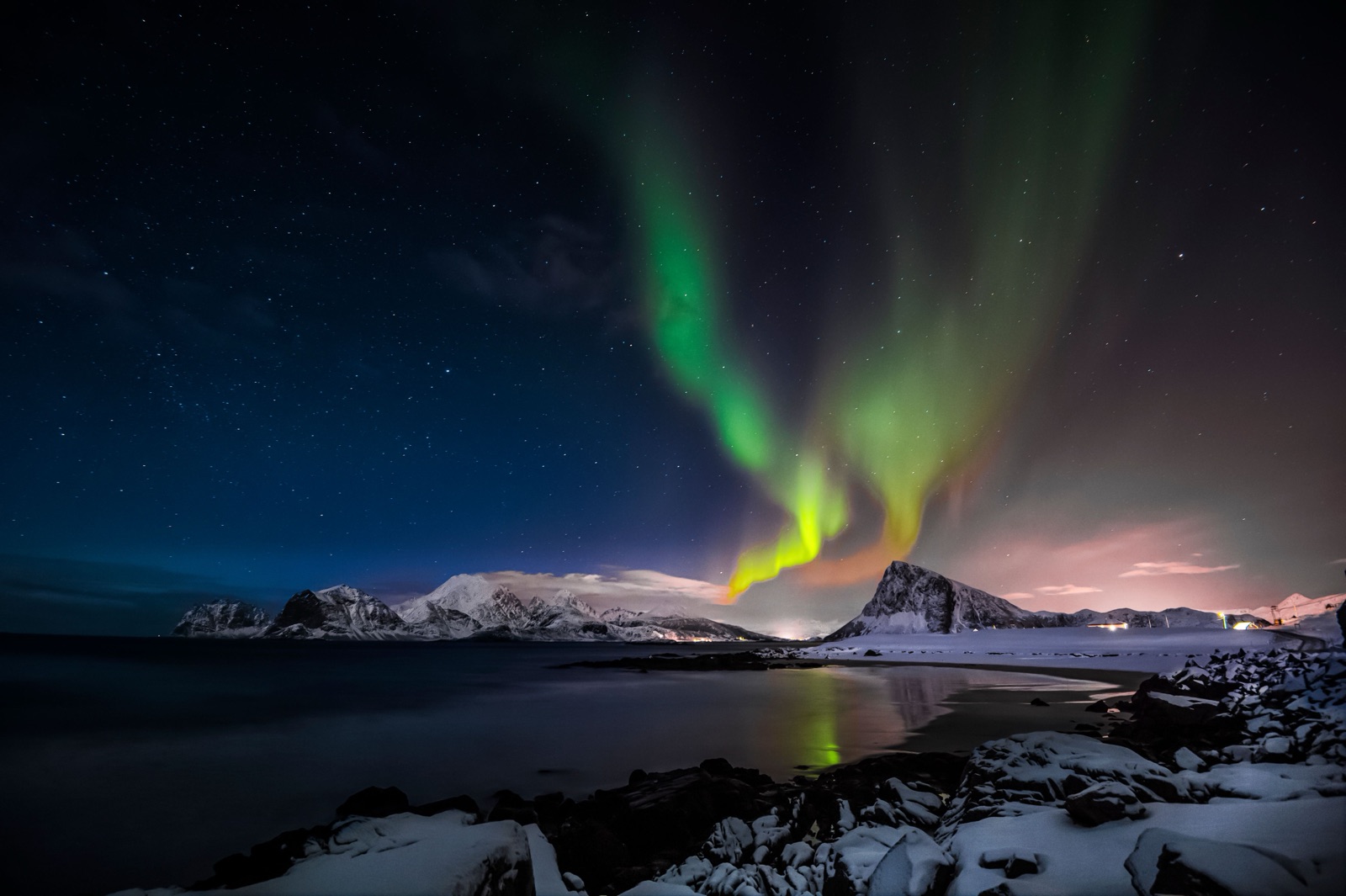
The aurora borealisairDrifting light
A big, soft, naturally-moving element against a still dark sky. High contrast and nothing competing for attention make the motion read instantly.
Photos that tend to fail
Blurry, busy, or too far away.
These photos give the motion engine nothing solid to hold onto, so they usually come back as a still image. If your shot looks like one of these, recompose it before generating.
 warningBusy + blurry
Too much going on
Several plants crammed tightly together, with motion blur on top. With no single focal point and subjects competing everywhere, the model can't decide what should move — and often freezes.
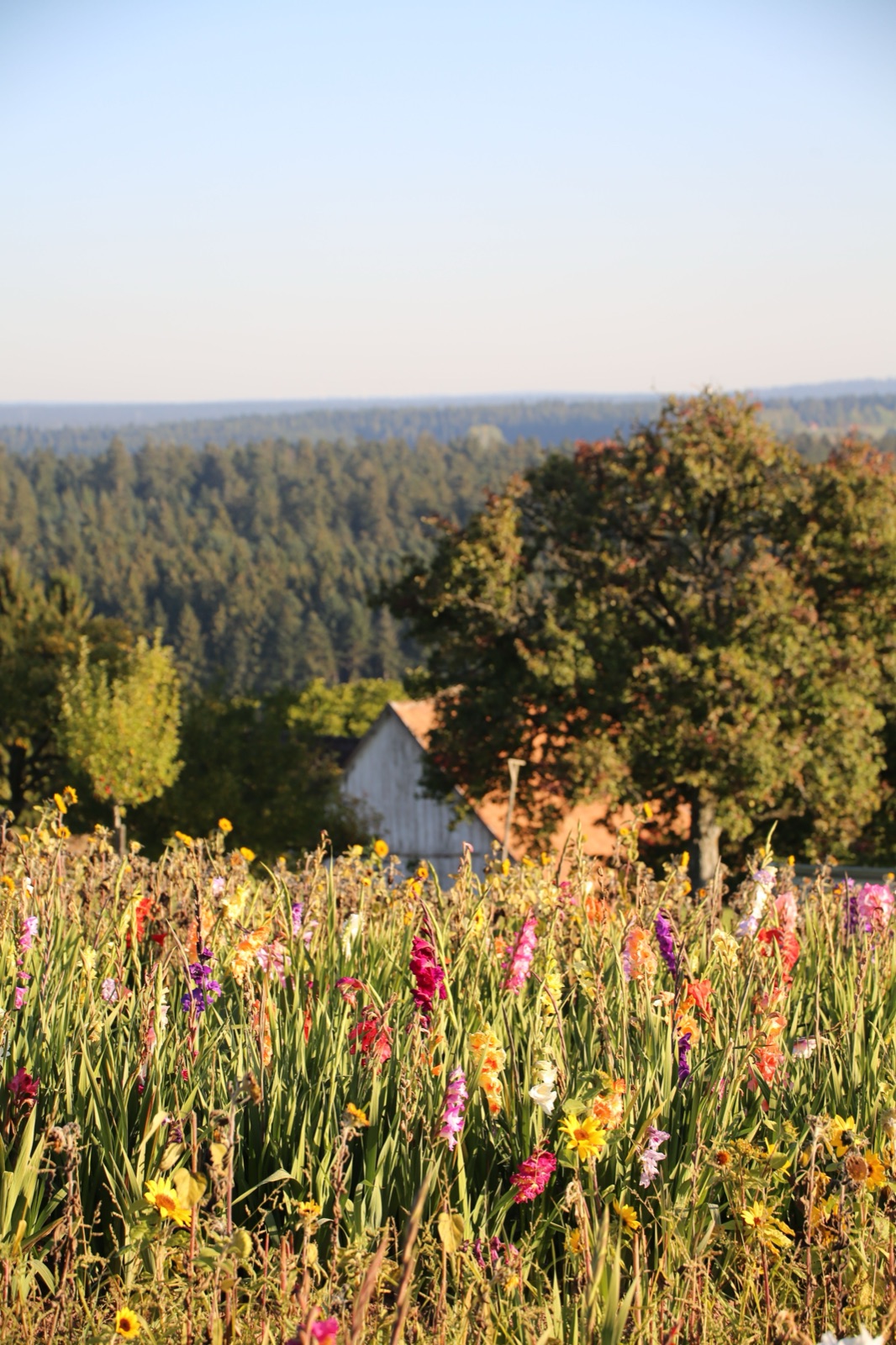 warningUnfocused
Soft focus, no clear subject
Wildflowers shot from a distance and slightly out of focus. There is no crisp element to anchor motion to, so the result tends to come back as a still image.
 warningToo distant
Subject too far away
The figure and the moving water sit far in the distance. With no large, near element to animate, there is little for the engine to grip and the clip usually stays frozen.
 warningPoor clarity
Low clarity throughout
A path lined with palms and flowers, but the whole frame is soft and low-resolution. Poor overall clarity leaves no sharp edge for the motion to lock onto.
Works, but not ideal
It animates — just not its best.
These still generate a cinemagraph — watch the loops — but the busy, low-contrast foliage makes a clean, seamless result harder to achieve. Usable in a pinch, and better with a cleaner composition.
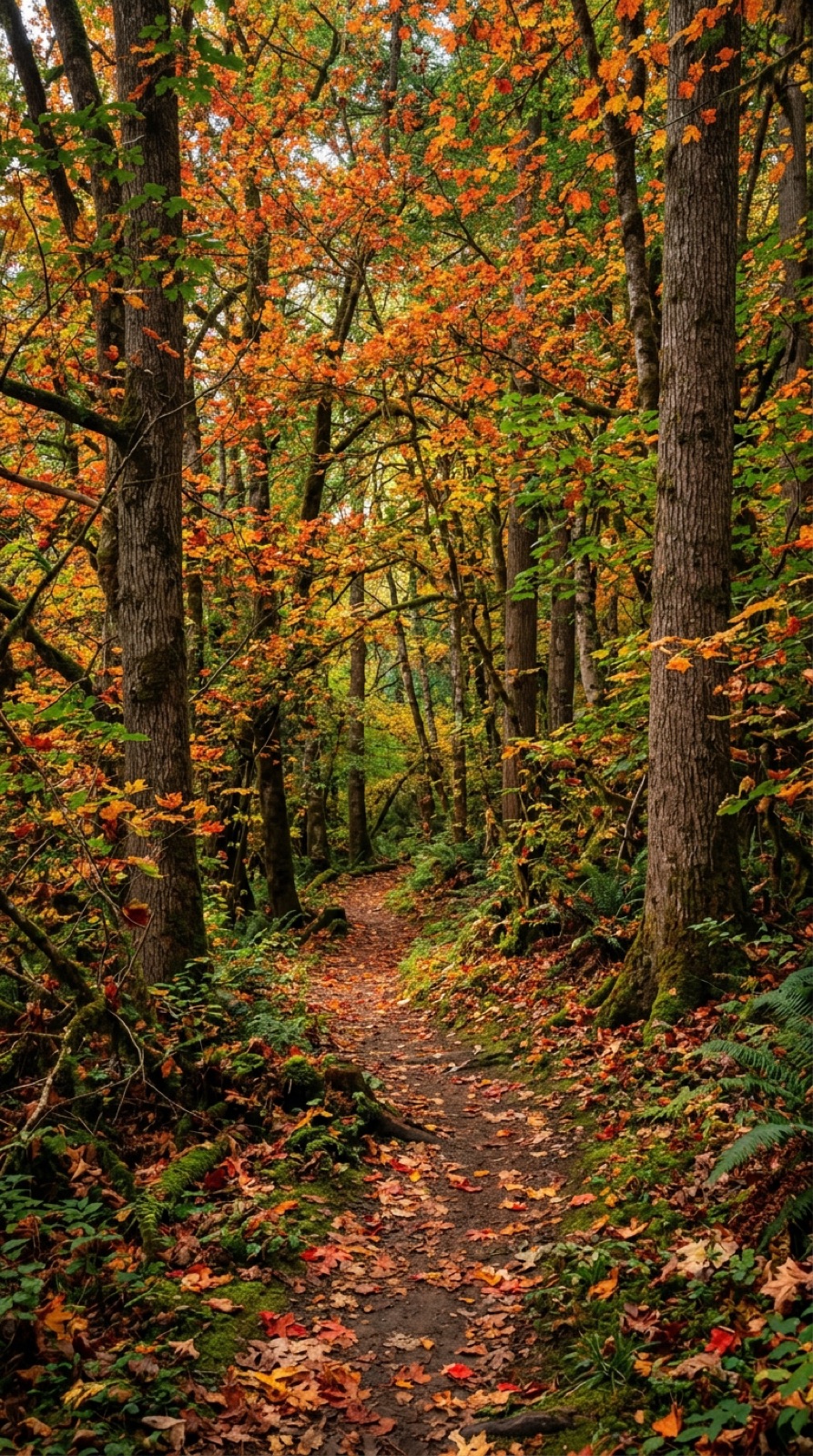
A dense forest pathinfoHard to loop
This animates — but with countless small leaves and branches it is hard to land a clean, seamless loop. The motion reads busy and can repeat unnaturally.
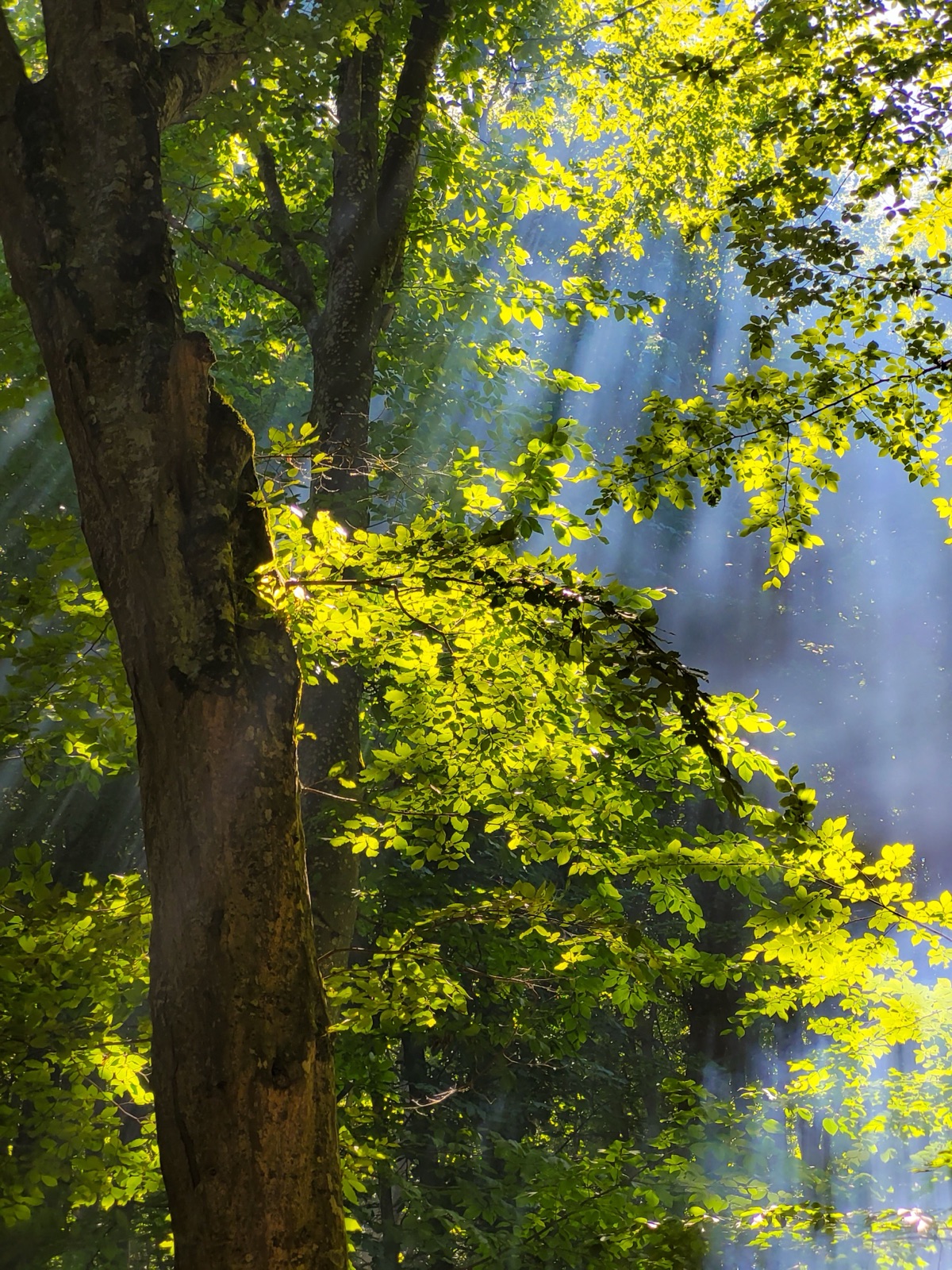
A foggy tangle of branchesinfoNo clear subject
With no single tree or branch to feature, it works but the cluttered, low-contrast foliage gives vaguer, less convincing motion.
Got a weak photo? Recompose it first.
If your image is blurry, cluttered, or the subject sits too far away, use Loopa Studio's Image Generation tool to rebuild it into a clean shot with one clear subject — then bring it into the Cinemagraph tool.
FAQ
Common questions.
Why did my cinemagraph come out frozen, with no motion?
expand_more
The most common cause is the source photo. If the image is blurry, low in clarity, or packed with competing subjects, the model has nothing crisp to anchor motion to and often returns a static clip. A photo with one clear, in-focus subject and an obvious element to move — water, leaves, clouds, fabric — animates far more reliably.
What kind of photo works best for a cinemagraph?
expand_more
A single, sharp subject with one natural moving element: a field of flowers in the wind, a plant's leaves swaying, water flowing, the aurora drifting, steam rising. The clearer and closer that element is, the better the motion reads.
My photo is busy or out of focus — can I still use it?
expand_more
Recompose it first. Loopa Studio's Image Generation tool can turn a cluttered or soft photo into a clean, well-focused composition with one clear subject, which gives the cinemagraph step a much better chance. Then bring that generated image into the Cinemagraph tool.
Does the subject in the photo matter, or just the prompt?
expand_more
Both, but the photo matters most. Keep the motion prompt short and describe the one thing that moves — yet if the source image has no clear, animatable element, no prompt can reliably create convincing motion.