Turn one photo
into video.
Product ads, looping cinemagraphs, and Spotify Canvases — art-directed by AI from the photos you already have. No shoot, no editor, no install.
One studio · Five tools

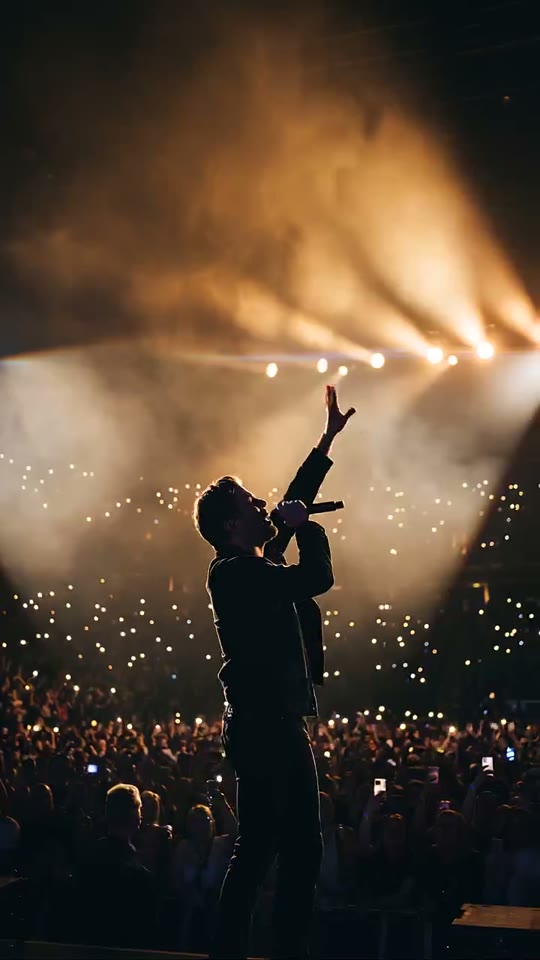

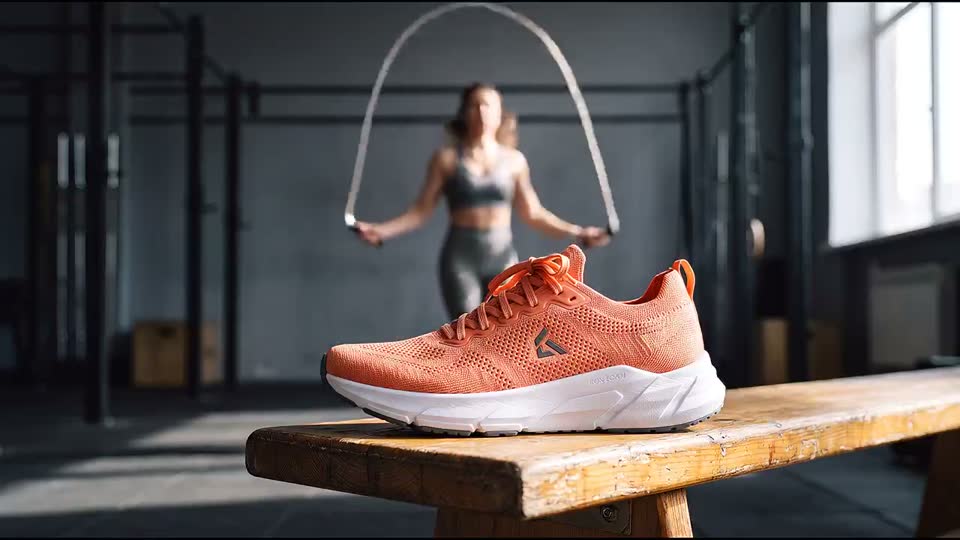

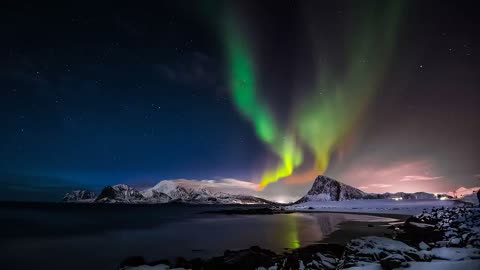
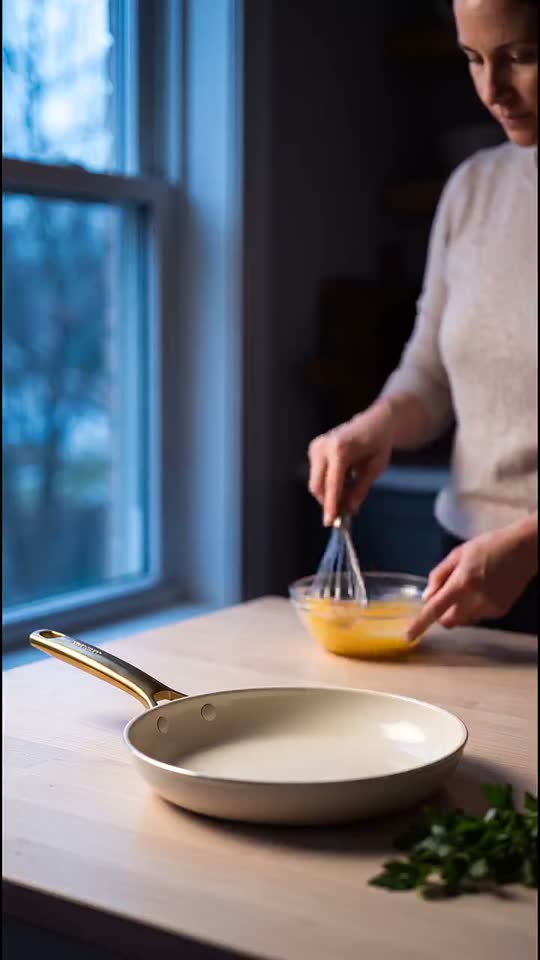

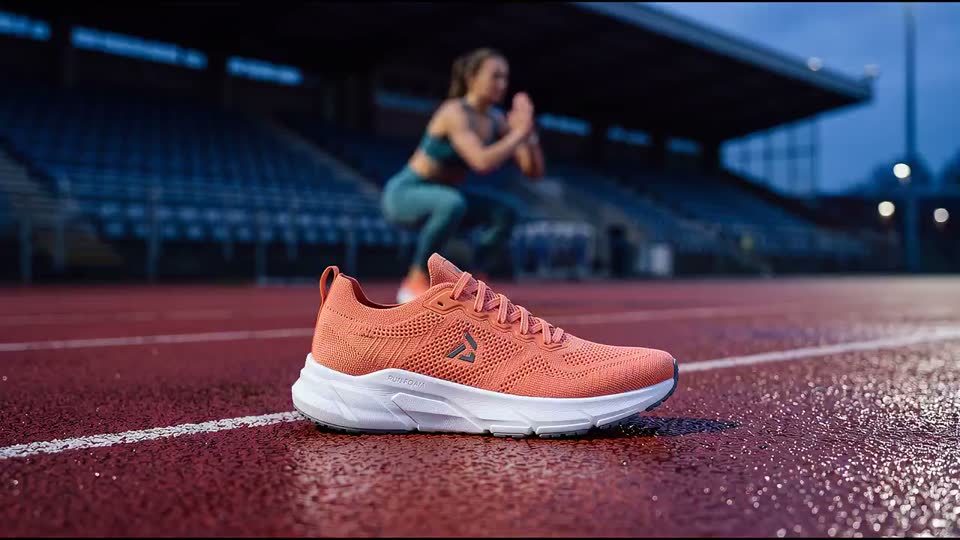
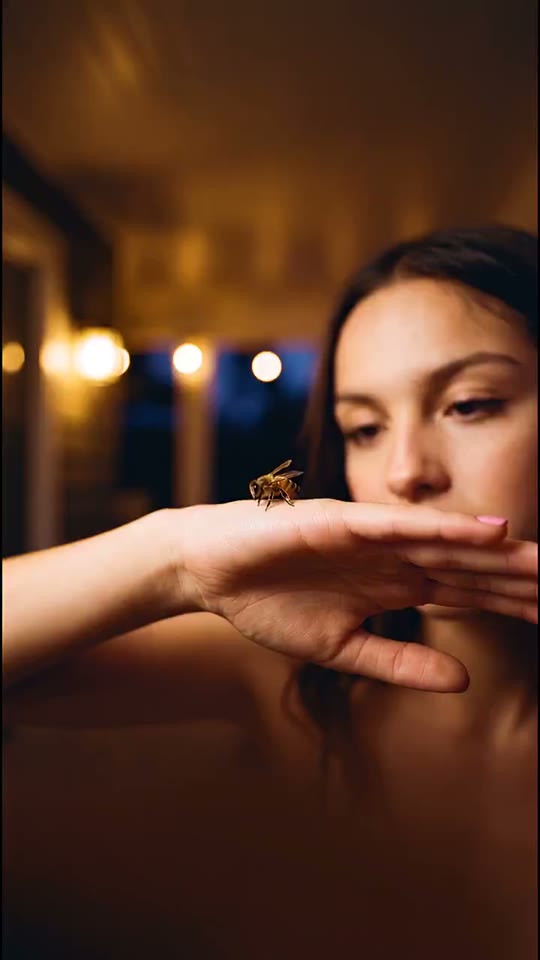
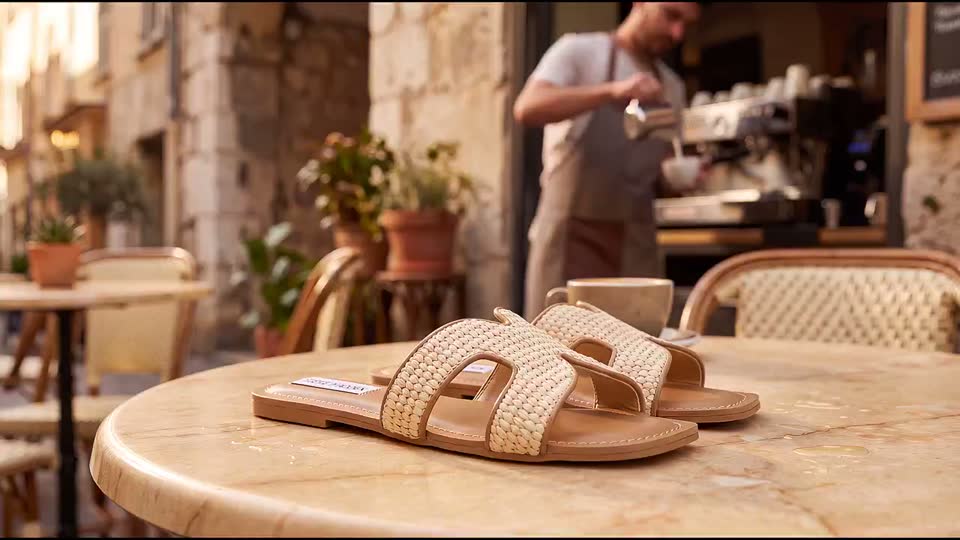

What you can make
Loops people stop for.
Cinemagraphs are photos where a single detail moves in a seamless, endless loop. Every scene below began as one still image.
Water Video Loop
Oceanic Solitude
Seamless Video Loop
Azure Ripple
Animated Lofi Background
Petrichor Morning
Looping Background Video
The Alchemist Cafe
Cinemagraphs for Marketing
Sell the feeling
of being there.
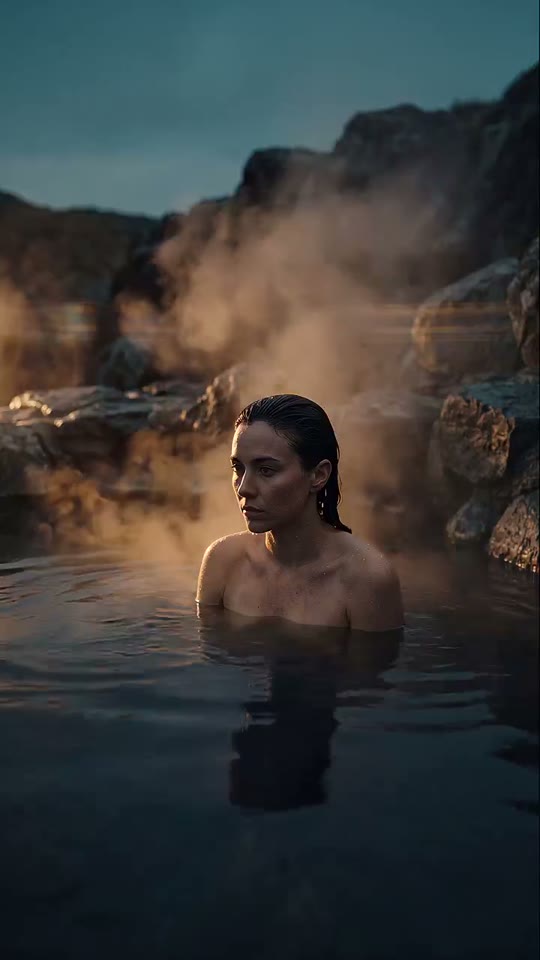
Nobody stops scrolling for a static photo. Add motion — water rippling, steam rising, light shifting — and suddenly people feel like they're there. Loopa animates the photos you already have into scroll-stopping motion ads. This pool? One still image, brought to life.
New · Product Studio
One product photo. A whole campaign.
Upload one plain photo of your product and an AI art director stages a full set of 4K marketing shots, then animates them into seamless looping product videos. Every loop below started as the single photo beside it — no studio, no reshoots.
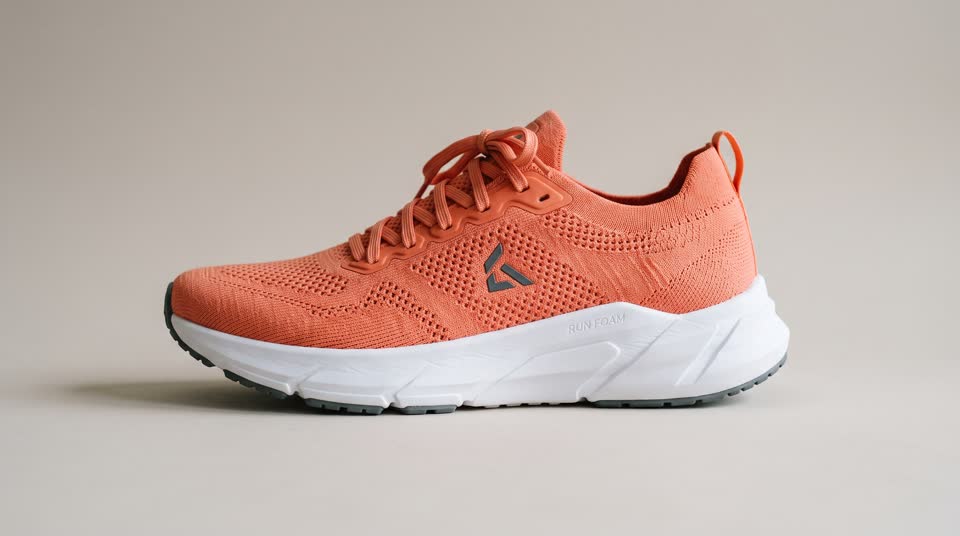
1 photo in
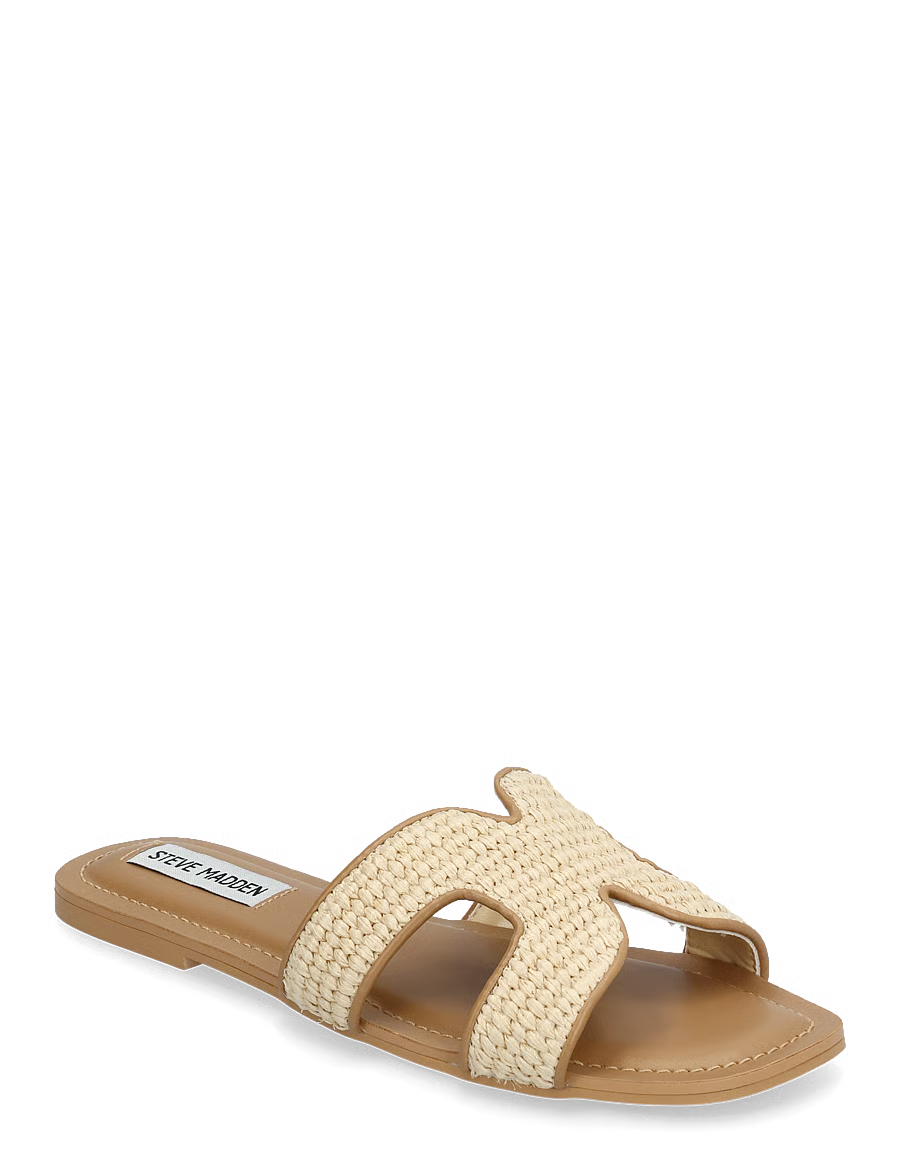
1 cut-out in
Why it works
Shoppers don't just prefer video — they buy more after watching it.
85%
of people say watching a video has convinced them to buy a product or service.
Wyzowl, State of Video Marketing 2026
up to
+80%
better conversion on product pages with video versus pages without.
Invesp, e-commerce research
up to
+144%
more likely to add a product to the cart after watching its video.
Invesp, e-commerce research

Made with Loopa
Spotify Canvases, looping endlessly.
Every clip below is a real 9:16 loop made in Loopa — across the Spotify Canvas generator, the Cinemagraph tool and the Video Generator. They play the moment they scroll into view. This is what your track could look like.
Simple Workflow. Pro Results.
1. Upload
Start with any photo — a landscape, a product packshot, album art. One still image is all the AI needs. No footage, no camera rig.
2. Prompt
Say what should move, in plain words — “gentle waves rolling”, “steam rising”, “rain on the window”. A few words is plenty; the AI fills in the rest.
3. Animate
Loopa renders a seamless video loop — motion exactly where you asked for it, perfect stillness everywhere else. Ready for Instagram, TikTok, product pages, or Spotify.
See It in Action
Quick tutorials showing exactly how to create with Loopa.
Generate a Looping Video
Upload a photo, write a motion prompt, and generate a seamless cinemagraph — start to finish.
Generate an AI Image
Use the Image Studio to generate, modify, and enhance images perfectly suited for video loops.
Inside Loopa Studio
Your whole studio in one browser tab.
Cinemagraphs, full-scene AI video, AI images, Product Studio, Spotify Canvas — and Story Studio, which turns one idea into a multi-scene video story. Every tool lives in one dashboard: no installs, no API keys, no quotas to juggle.
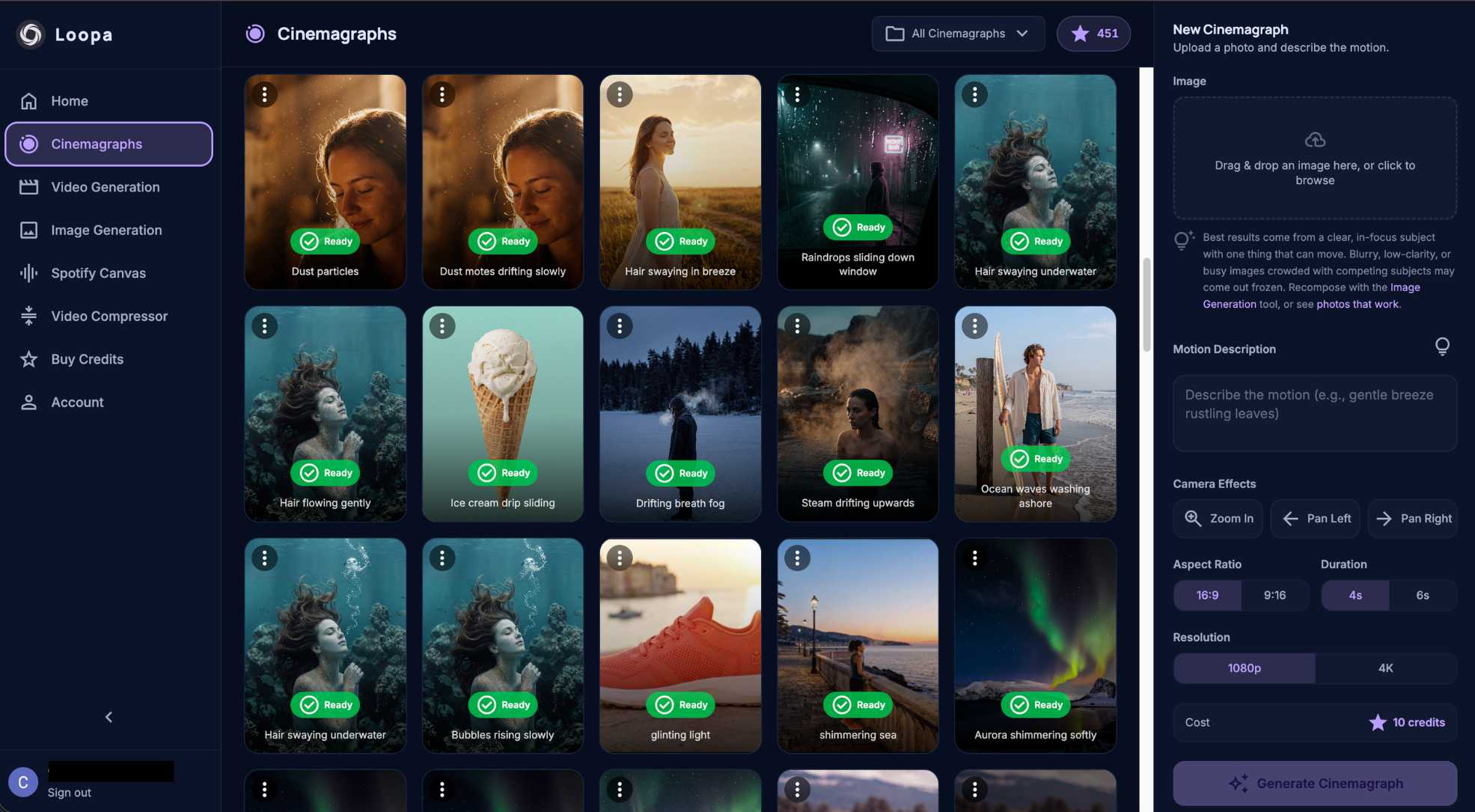
Guides & tutorials
Learn how to make and monetize video with Loopa.
Industry guide
AI Video Ad Creator
How brands and agencies use Loopa to ship looping video ads for Meta, TikTok and Google — from one source photo, every aspect ratio.
Read the guidearrow_forwardStep-by-step tutorial
Make a Product Video Ad in 60 Seconds
A real walkthrough — single product photo to finished MP4, ready for Reels, TikTok and YouTube. Screenshots and a finished example.
See the tutorialarrow_forwardCreator guide
Make Money on YouTube with Loops
Turn AI looping videos, lofi scenes and music into 24/7 ambient channels and Shorts — a creator's playbook for monetizing motion.
Read the guidearrow_forwardReady to animate the world?
Open the Studio in your browser — no install, sign in with Google, and start generating cinemagraphs, videos, and images.
Pay-once credit packs from $17.99 — no subscription. See pricing
Android app coming soon. Studio works on Android phones today.